1000 +
Photo Daily Production Capacity
30 +
Professional Designer
24/7
Customer Support
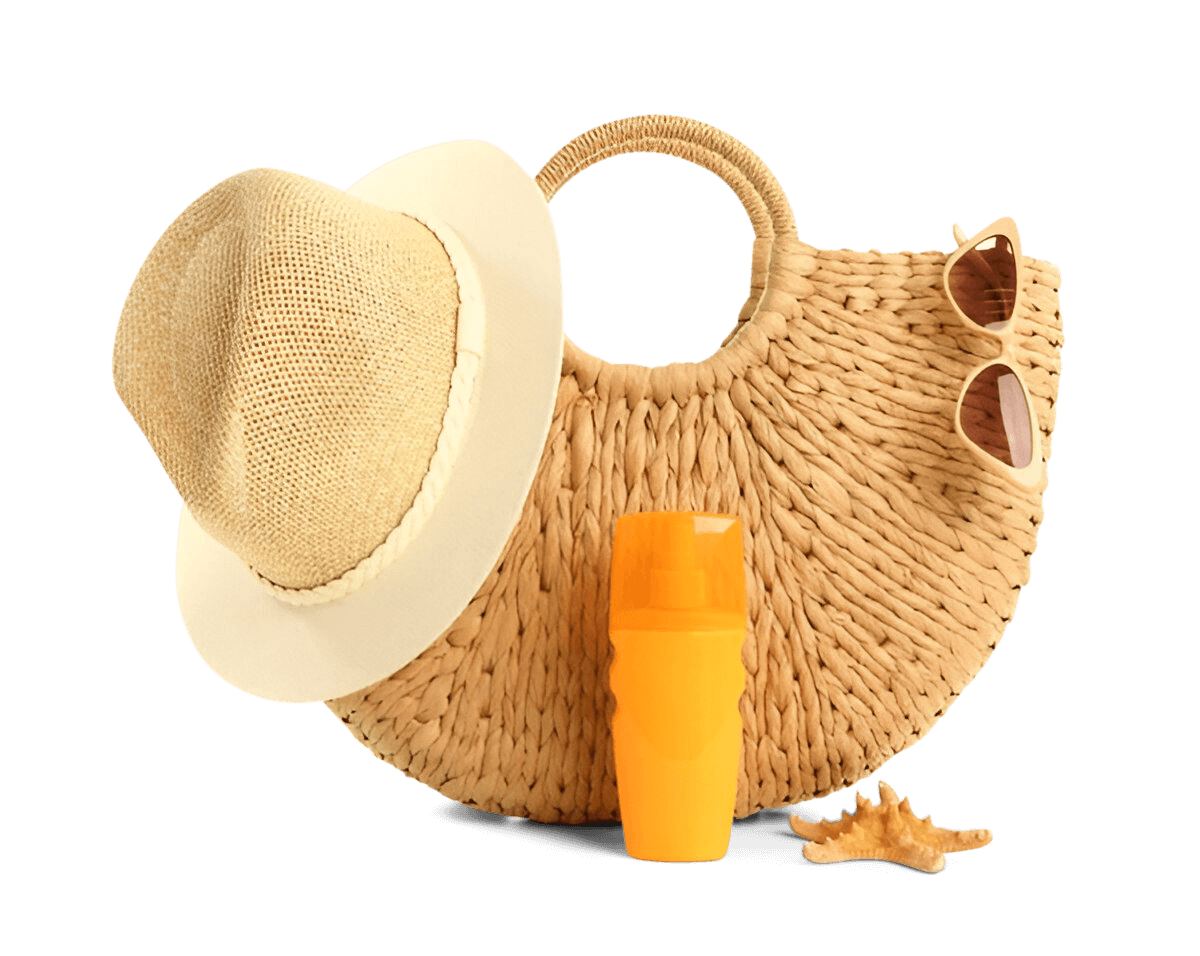
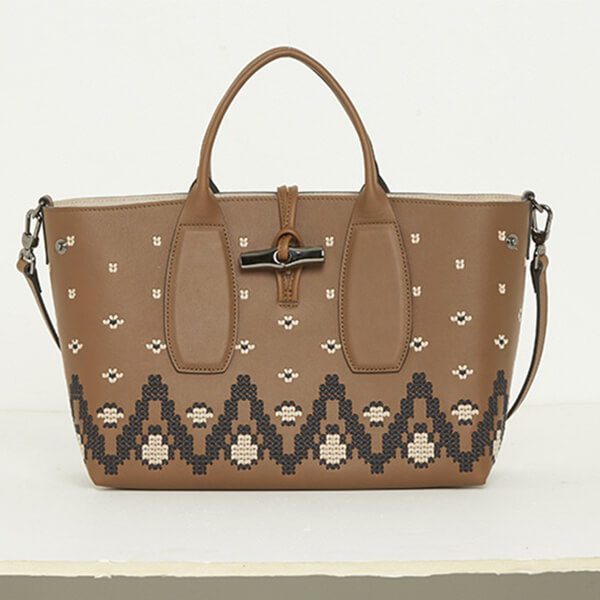
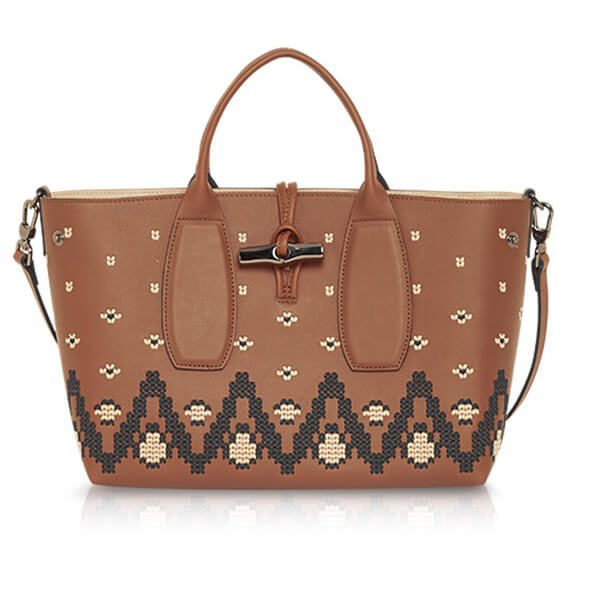
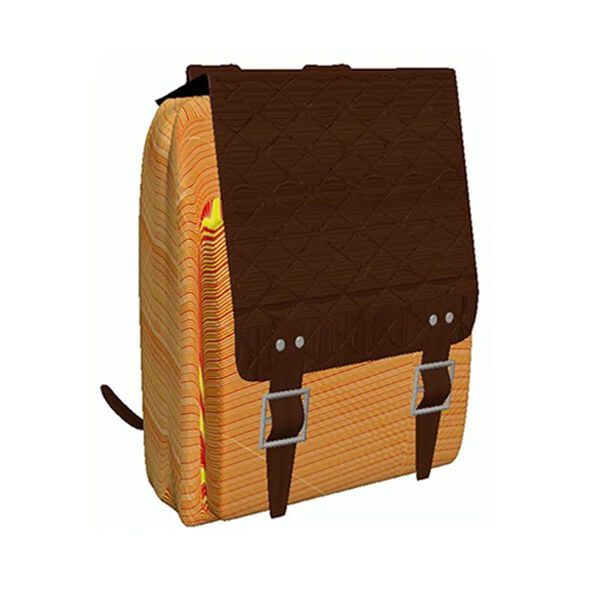
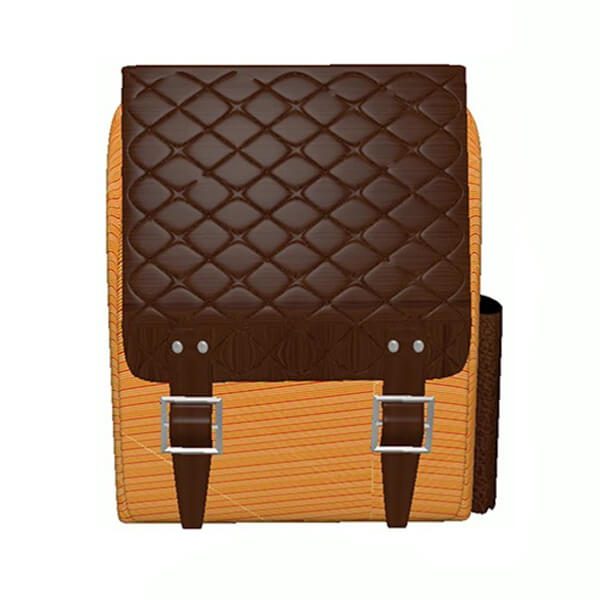
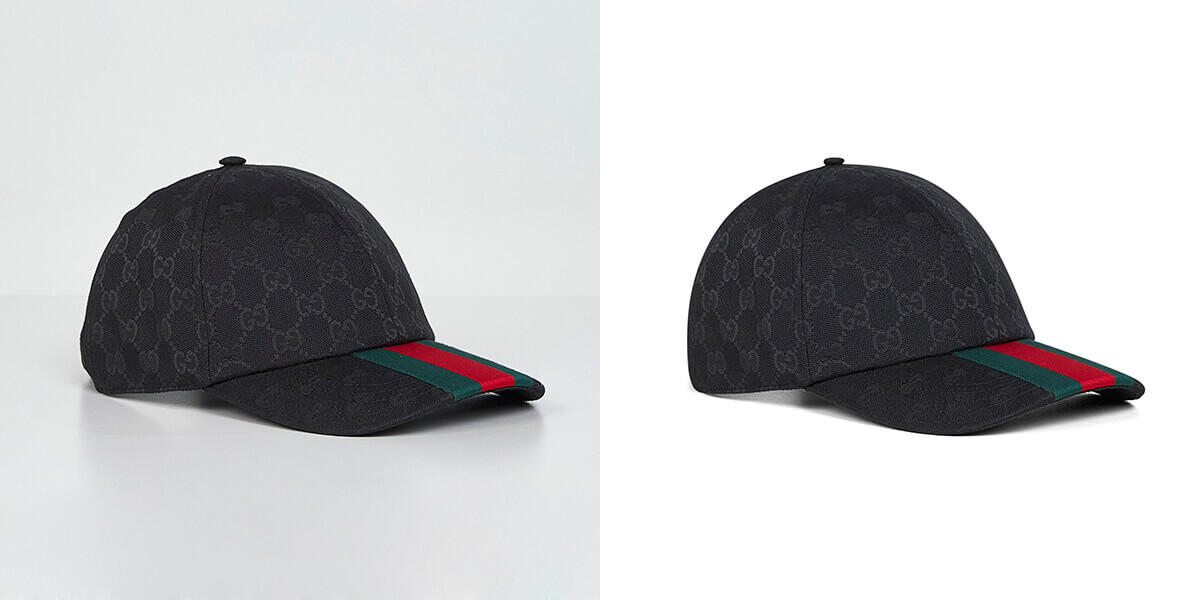
Adding a Bag photo editing can instantly transform an ordinary picture into a stylish statement. However, the key is to make the accessory appear as if it naturally belongs to the original scene bag photo editing.
Photo Daily Production Capacity
Professional Designer
Customer Support
Fast Turnaround
Get high-quality, stunning, and professional edits and retouches within 24 hours.
No Subscription
We only charge per image and pay only when you are satisfied with our service.
Unlimited Changes
Customer satisfaction is always our #1 priority. We do not limit the number of revisions until you feel truly satisfied with the service.
One-on-one Approach
Work 1-on-1 with one of our editors so you can get consistent results. This will provide you with a fast and dedicated support.
We Don’t Own Your Photos
Your photos are completely yours. We don’t claim any copyright after we edit and send them back. All data will be removed from our system within 30 days.
With precise editing, such as careful placement, consistent perspective, and harmonious lighting, your accessory will appear genuinely integrated. This approach ensures that the final image remains elegant and visually compelling.
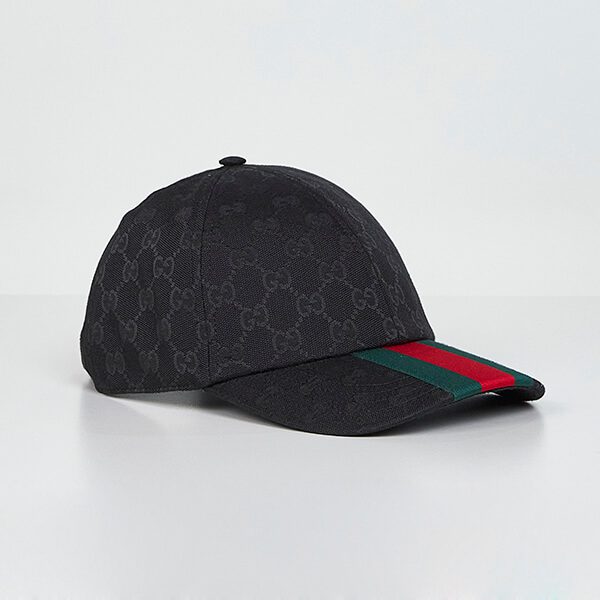
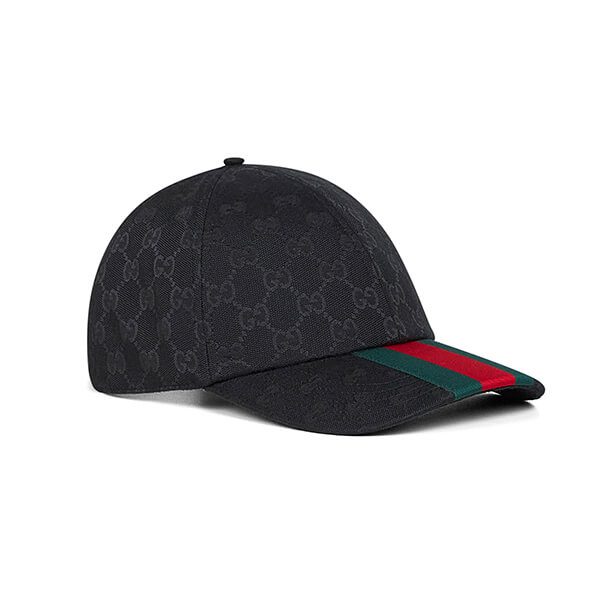
Adding bags or hats to photos can instantly transform a plain image into a stylish statement. However, the real skill lies in making the accessory look naturally integrated into the original scene.
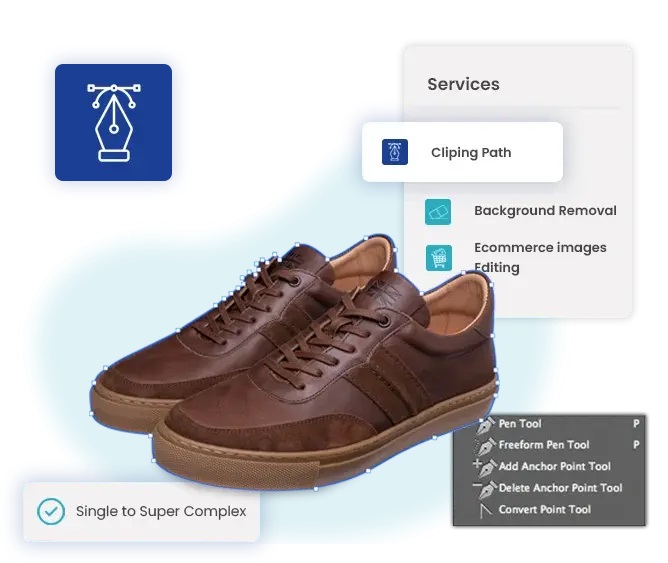
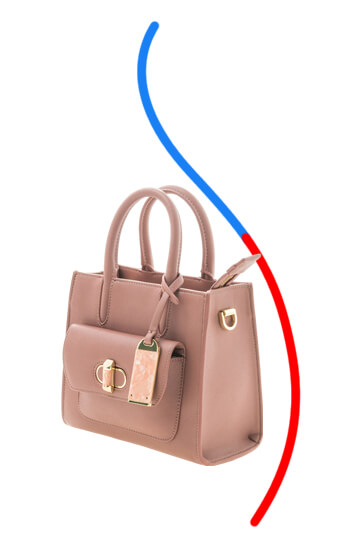
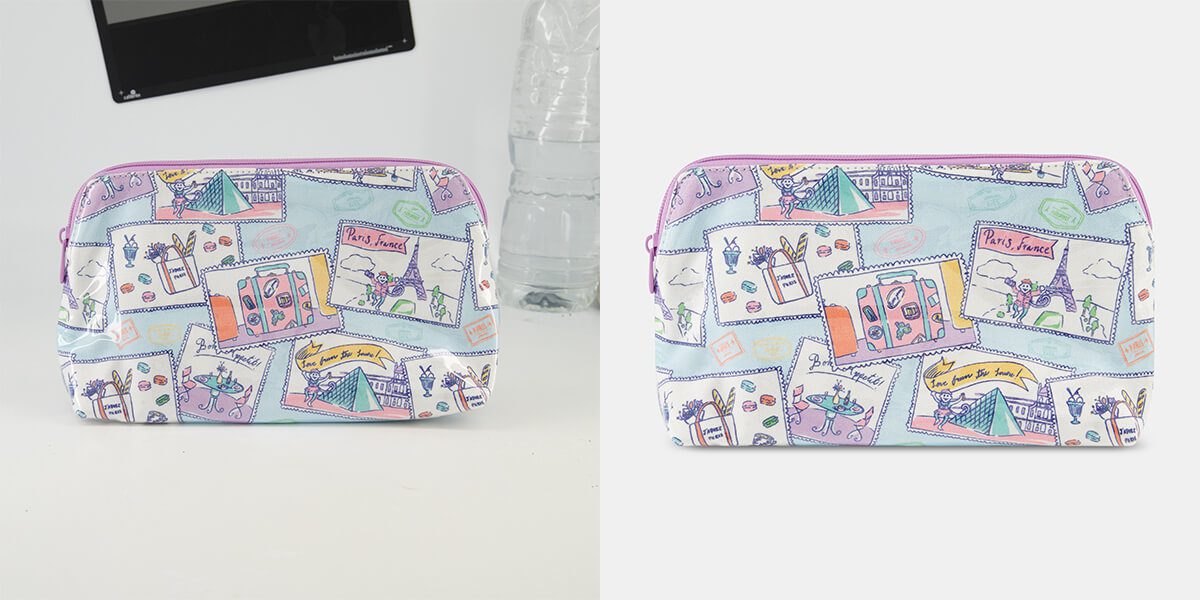
To begin, select or cut out the bag, hat, or other item with a transparent background using tools like Photoshop’s Pen Tool or Magic Wand. Once prepared, position the object on the model while keeping perspective, size, and lighting in mind.
Next, adjust shadows and highlights so they match the environment, and soften the edges to blend seamlessly. Finally, balance the accessory’s colour and saturation so they complement the overall tone of the image.
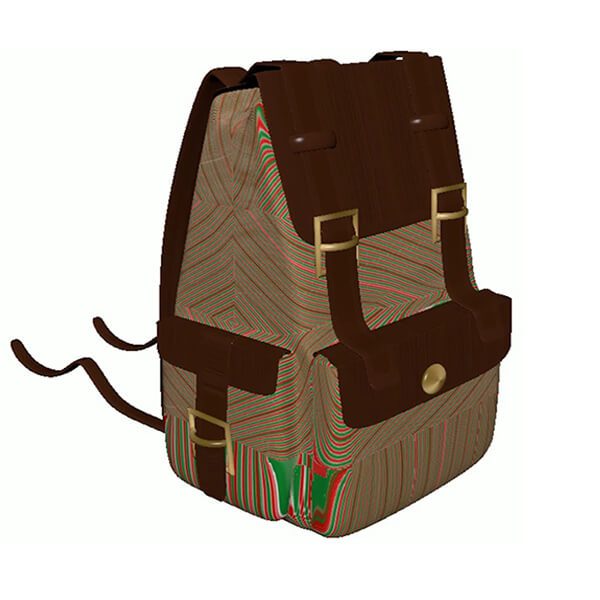
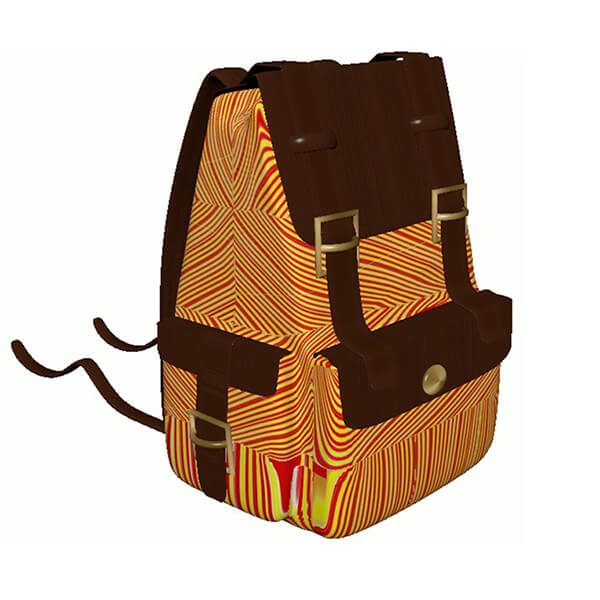
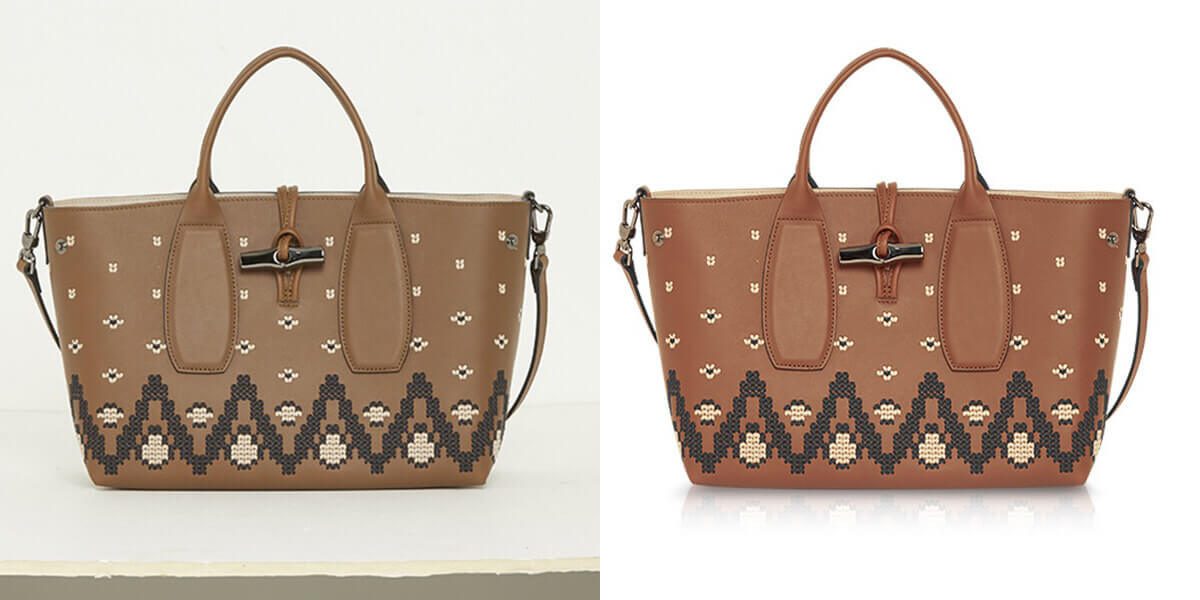
Changing the hue or design of an accessory can enhance its harmony with a specific outfit or theme. For example, if you need to tweak the colour of one section of your photo without altering other areas, use the Hue/Saturation adjustment layer in Photoshop.
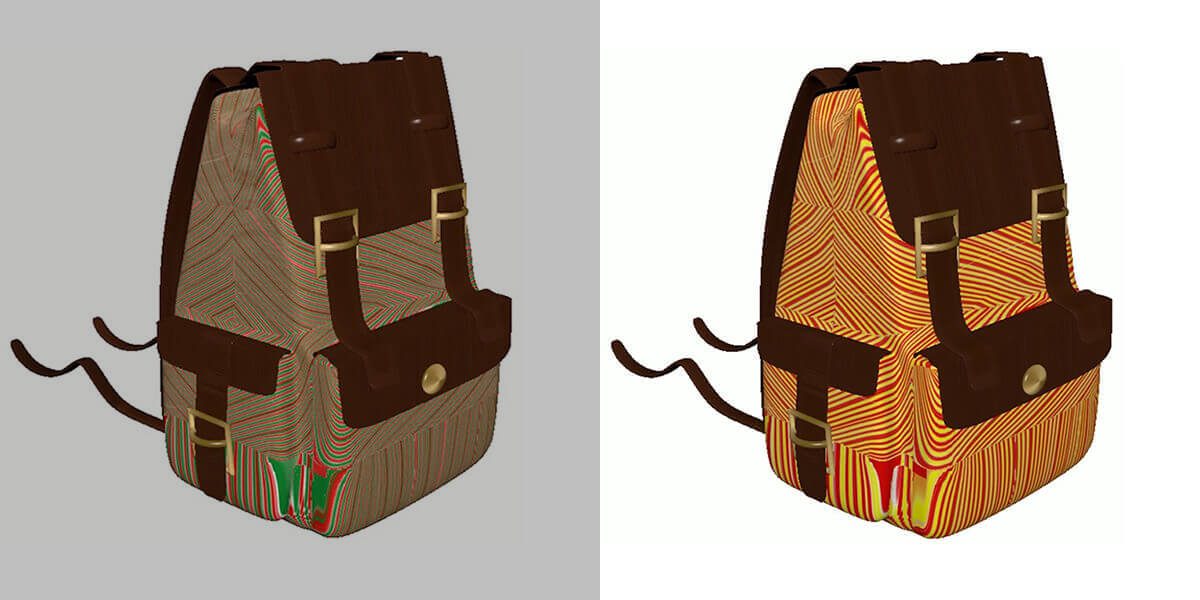
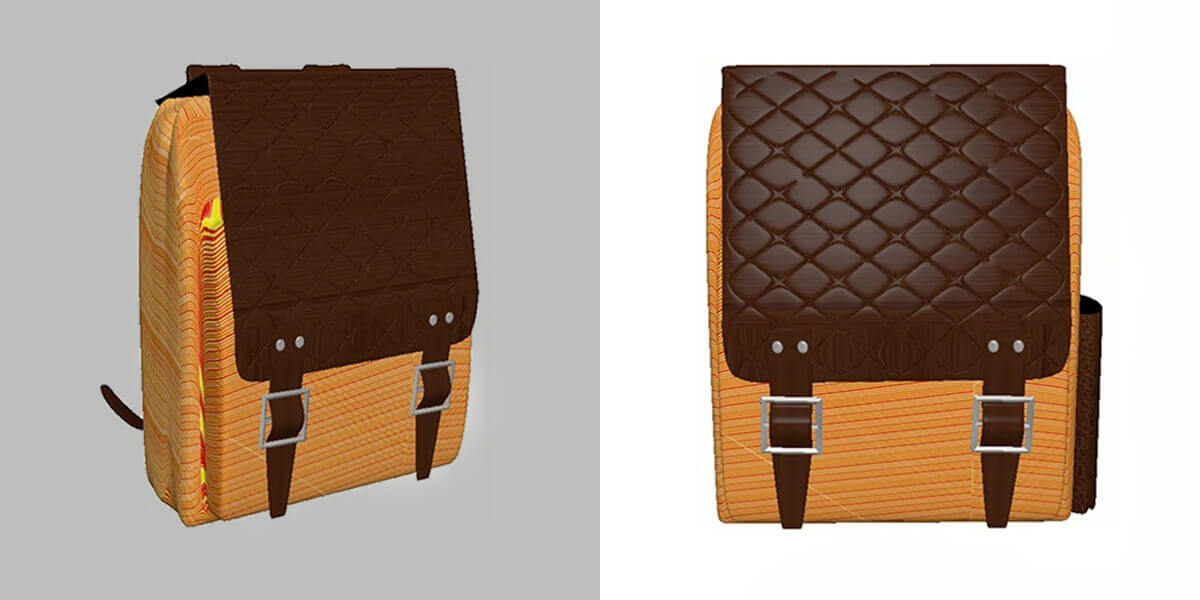
When pattern changes are desired, carefully select your bag or hat and apply your chosen pattern via a clipping mask. Then, adjust the blending mode to create a realistic finish, and use the Warp Tool to shape the design according to the accessory’s curves. Additionally, applying dodge and burn techniques will maintain the three-dimensional appearance.


Highlighting textures and details can take fashion photography to another level. Start by sharpening key features—such as seams and fabric textures—using the High Pass filter.
Moreover, employ the Dodge and Burn tools to increase contrast between light and shadow, helping to sculpt the shape and material. If extra depth is needed, slightly darken specific areas without overpowering the bag photo editing. As a finishing step, remove small imperfections like wrinkles or dust for a flawless look.
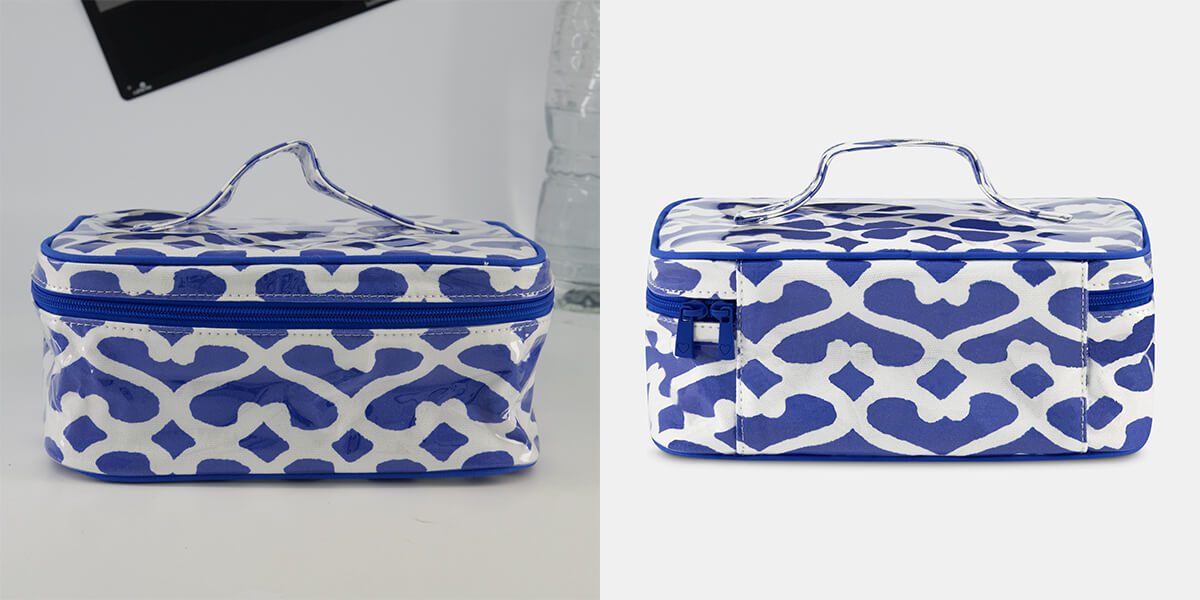
Sometimes, removing a distracting accessory is the best way to achieve a polished result, especially during beach season. In such cases, Photoshop’s Content-Aware Fill provides an efficient solution.
First, carefully select the accessory with the Lasso or Quick Selection tool. Then, apply Content-Aware Fill to replace it with matching background pixels.
For more control, clone textures from nearby areas on a separate layer using the Clone Stamp tool, and refine differences. Ultimately, for complex backgrounds, a mix of the Patch Tool, Healing Brush, and manual retouching ensures a seamless blend bag photo editing.


Fashion collages offer an opportunity to mix accessories from different images into one creative style board. The process begins by extracting bags or hats from various sources using precise selection methods.
Afterward, arrange the items on a new canvas to experiment with outfit combinations. Furthermore, adding consistent shadows and adjusting lighting will unify elements, even if they come from different images.
You can also apply a uniform background or texture for a cohesive appearance, making the collage perfect for presentations or social media posts.
Finding PBR has been an awesome experience. I have worked with 2-3 companies that offer a similar service. But, They didn’t satisfy me with pricing and turnaround time.
I was pleasantly surprised to see the level of communication and the quality of work that PBR offers.
eCommerce Business Owner, United States
Photo Background Remove company is committed to delivering exceptional clipping path services that exceed your expectations. Our expert editors are passionate about what they do. And they entirely focus on your Photo’s detail, ensuring outstanding results. Photo Background Remove (PBR) company now to learn more about our services. Also, it’s the best time to take advantage of our affordable pricing.
We offer extensive photo editing services beyond Clipping Path to cater to our customer’s diverse needs.
Our experts utilize digital software like Photoshop to add or remove elements from an photo, achieving the desired enhancements.
Our experts add or remove elements in an Photo using digital software like Photoshop, resulting in polished and enhanced visuals.
Our experts utilize digital software like Photoshop to add or remove elements from an Photo, achieving the desired enhancements.
We utilize specialized product photography tools to create shadows for objects, adding depth and realism to your product Photos.
Get 01 photo editing service for free
FAQs
Not sure where to start? We’ve included some common questions from our clients to help break the ice and guide you through the process with confidence.
Yes—we’re flexible and can adapt to any photo retouching requirements. Just upload your images via Google Drive, WeTransfer, Dropbox, or your preferred file-sharing platform, and send us the link. You can also place your order here.
Absolutely. We offer unlimited revisions to ensure you’re 100% satisfied with your images—because your happiness is our priority.
Yes, we offer discounts based on order size. The more images you order, the bigger the savings. For a custom quote, contact us at support@photobackgroundremove.com.
Want to see what we can do? Send us one photo for a free trial of any service you’d like. Just fill out the form and upload your image—it’s the perfect way to decide if we’re the right fit for your needs.
We know how important your photo editing needs are—that’s why PBR offers affordable pricing starting at just $0.50 per image, or you can choose a subscription plan. For bulk orders, reach out to our customer service team, or try us out first with a free trial.
100% Safe & Secure — Our RS Platform uses advanced security protocols and privacy protection to keep your images safe and fully under your control during the entire sharing process.
No worries—our system keeps an encrypted backup of your images indefinitely. Your work is safely stored and can be retrieved anytime, risk-free.