preloader

Jewelry photo editing

Jewelry photography demands meticulous editing to highlight the intricate details, sparkle, and luxury of the pieces.

1000 +

Photo Daily Production Capacity

30 +

Professional Designer

24/7

Customer Support
Your Trusted
Photo Editing Services

Fast Turnaround

Get high-quality, stunning, and professional edits and retouches within 24 hours.

No Subscription

We only charge per image and pay only when you are satisfied with our service.

Unlimited Changes

Customer satisfaction is always our #1 priority. We do not limit the number of revisions until you feel truly satisfied with the service.

One-on-one Approach

Work 1-on-1 with one of our editors so you can get consistent results. This will provide you with a fast and dedicated support.

We Don’t Own Your Photos

Your photos are completely yours. We don’t claim any copyright after we edit and send them back. All data will be removed from our system within 30 days.

"PBR" expert Jewelry Photo retouching services

The most important elements to high-quality photo retouching are creativity and precision.

Types of Jewelry Photo Editing

Jewelry photography demands meticulous editing to highlight the intricate details, sparkle, and luxury of the pieces.

background removal services, Transparent background photo, Background editing for photos, Photo background extraction, Photo background changer

Necklace Photo Editing Techniques

Precise Editing The necklace editing calls for precise editing that brings to the fore the elegance of the jewelry, as well as its intricate detailing. Begin by cleaning up the background to eliminate distractions, most likely replacing it with pure white or a slight gradient, so that the necklace pops.

Counteract color to reclaim the metals and gemstones’ natural hues. Accentuate highlights and lowlights with Dodge and Burn tools for a touch of glow and shine. Refine details such as chains and pendants for more sharpness and get rid of dust or reflections using healing tools.

Lastly, tweak the composition and crop the photo so your viewer’s eye is drawn to the beauty of the necklace with a professional, polished finish.

Earrings Photo Editing

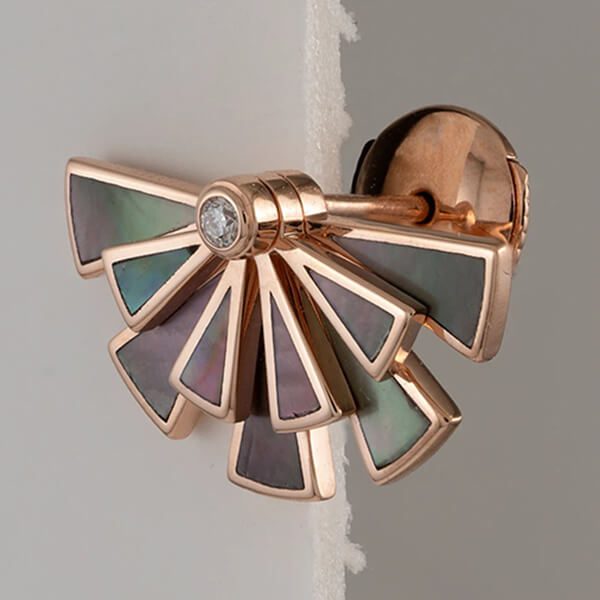
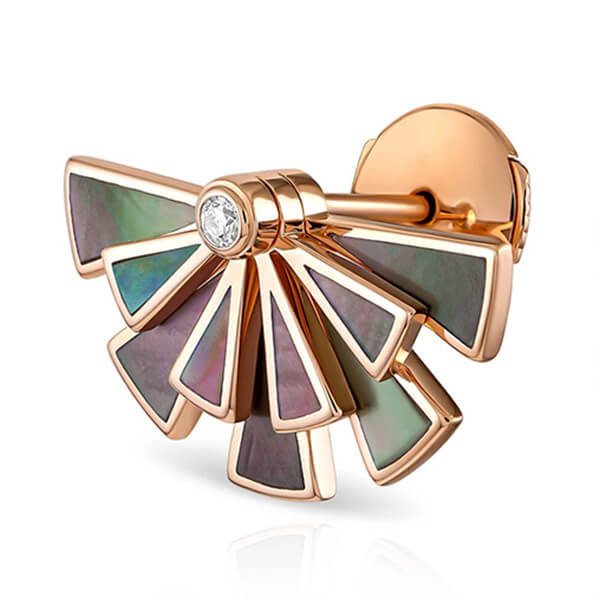
If you’re editing photos of earrings you need to do this edit in great detail as it’s the best way to share the shimmer and design in a shot of the earring. Start with the background- clean it up so that you don’t take away attention from the earrings.

Adjust white balance and colour to accurately depict metals and stones. This will help to tone up the highlights and the shadows and ultimately give you more depth and shine. Enhance fine elements, glass or metals to sharpness.

Grit, Dust, scratches, and unwanted reflections that may be distracting or all together unwanted are healed away. Finally crop and compose the Photos to concentrate on the earrings, for a clean professional Photos which also shows off the earring’s elegance and style.

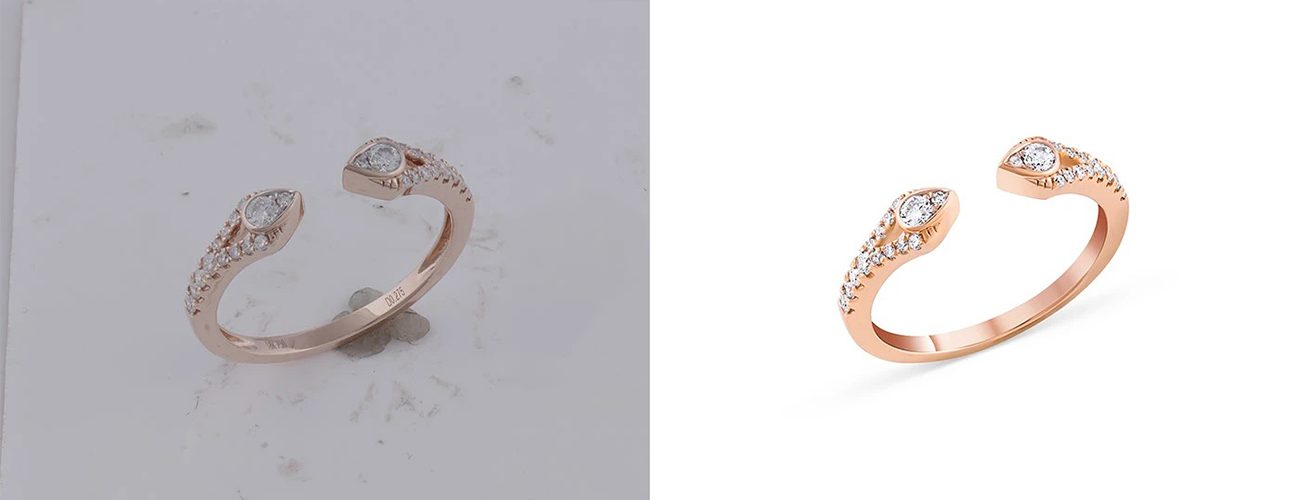
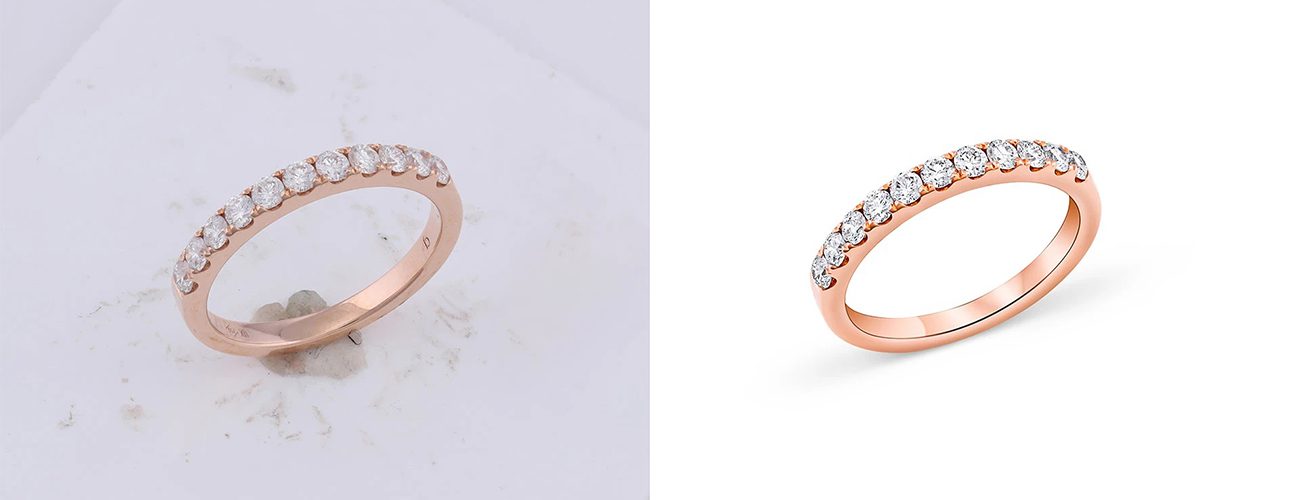
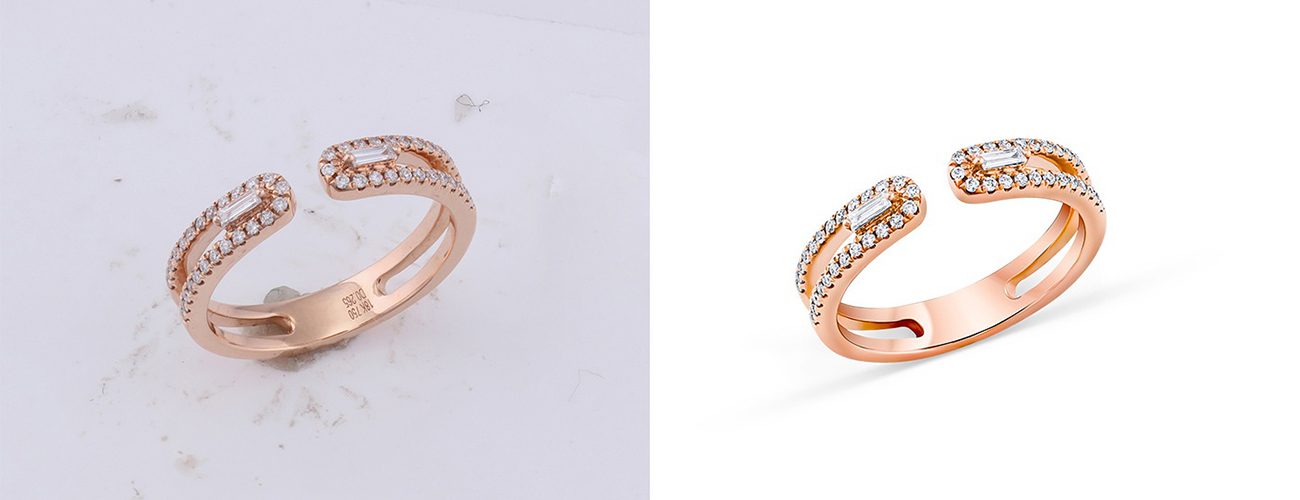
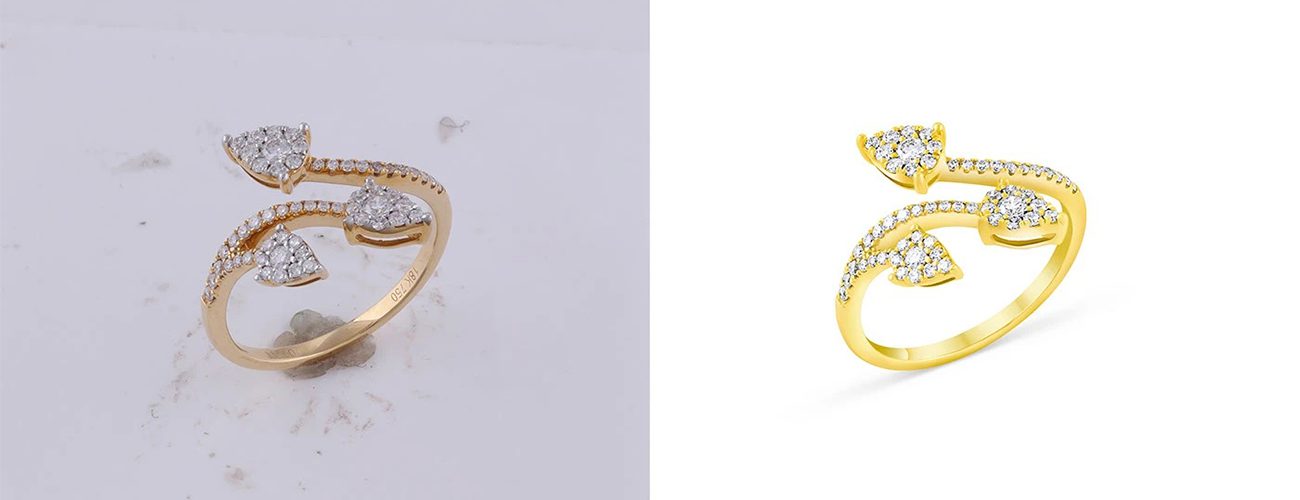
Ring Photo Editing

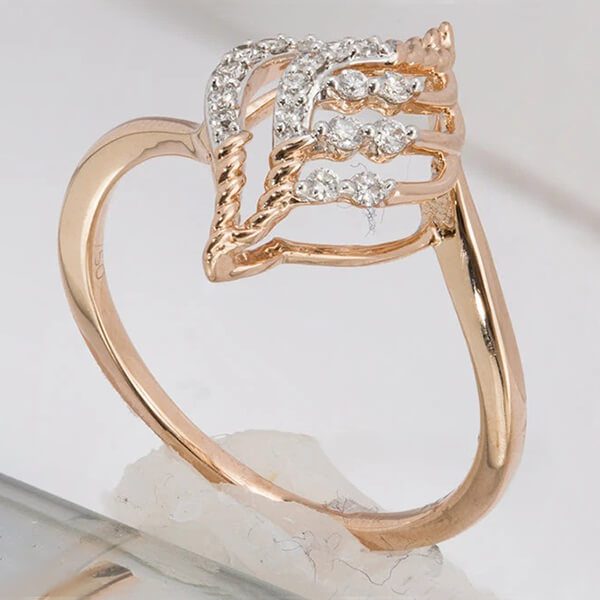
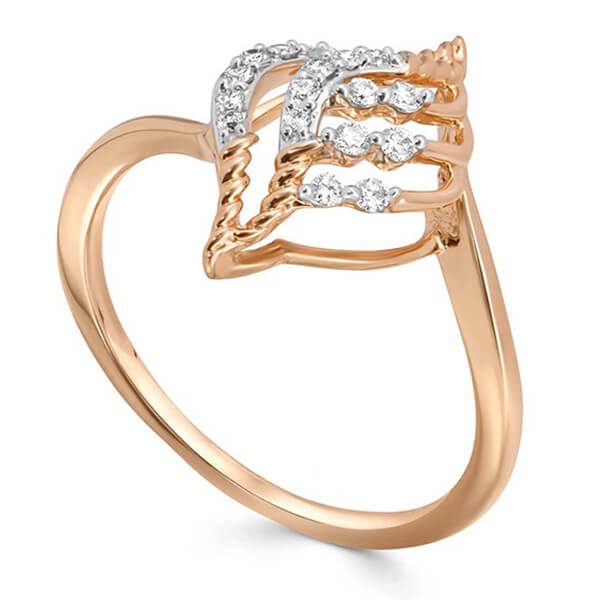
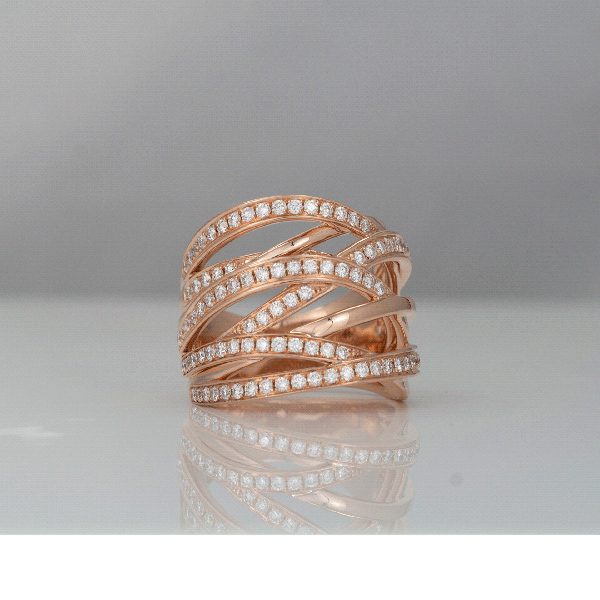
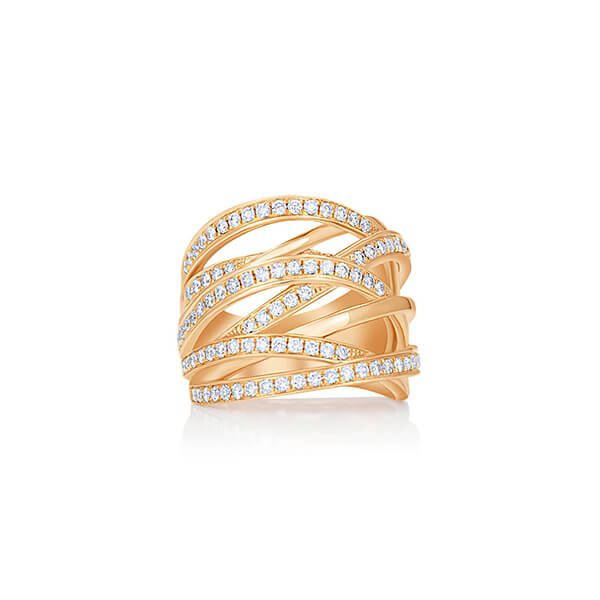
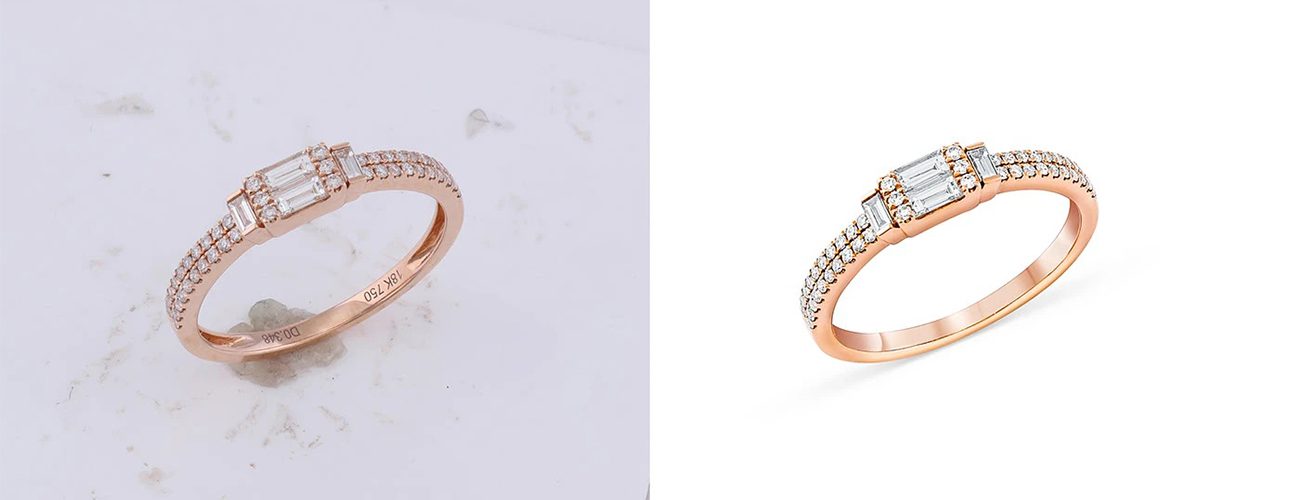
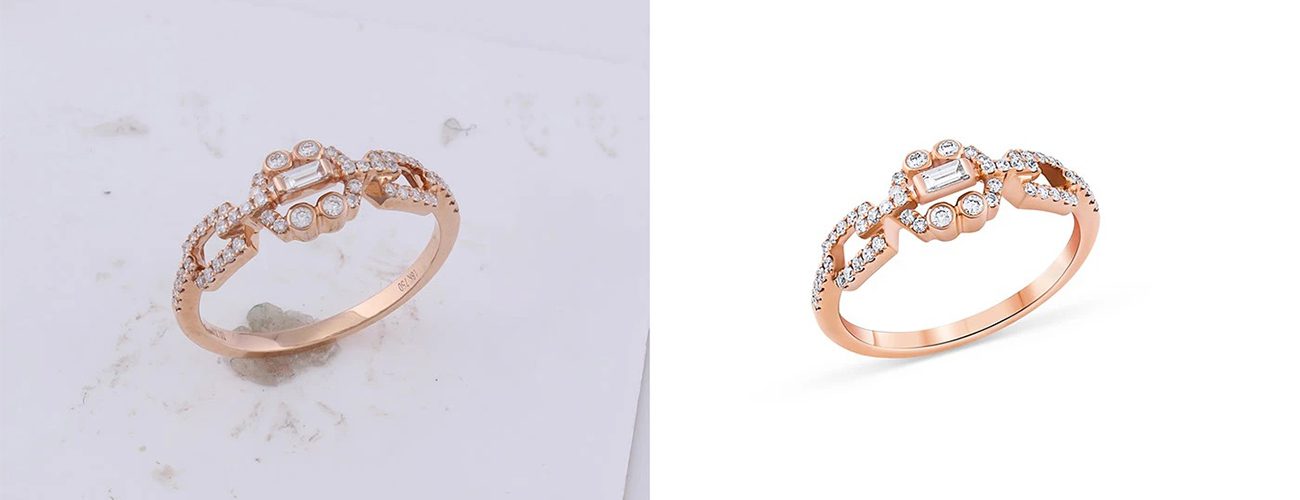
Editing ring pictures precisely can bring out the sparkle and craftsmanship. First, clean up the background to eliminate distractions, typically turning it pure white or into a neutral shade to make the focus ring stand out.

Right white balance and color balance to show the metal and gemstone true colors. Use Dodge and Burn to increase the high- and midtones to give volume to create realism. Emphasize delicate details, like engraving and cut facets, for added clarity. Use healing tools to eliminate dust, scratches and pesky reflections.

Then, crop and refine the composition to one with the ring perfectly centered and looking polished and beautiful.

Bracelet Photo Editing

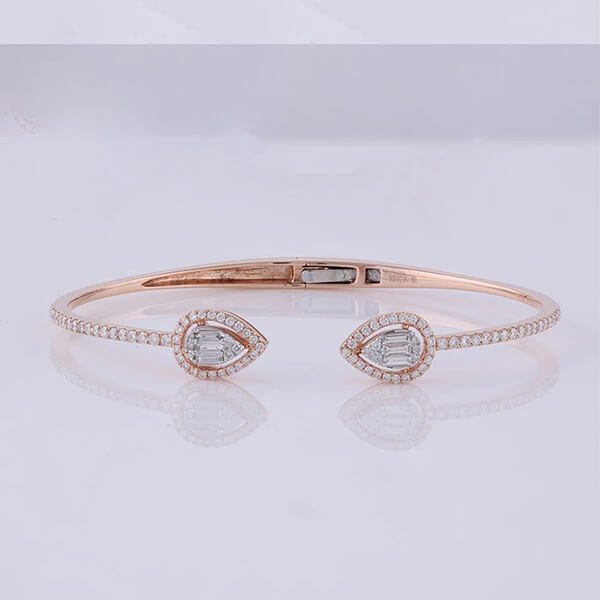
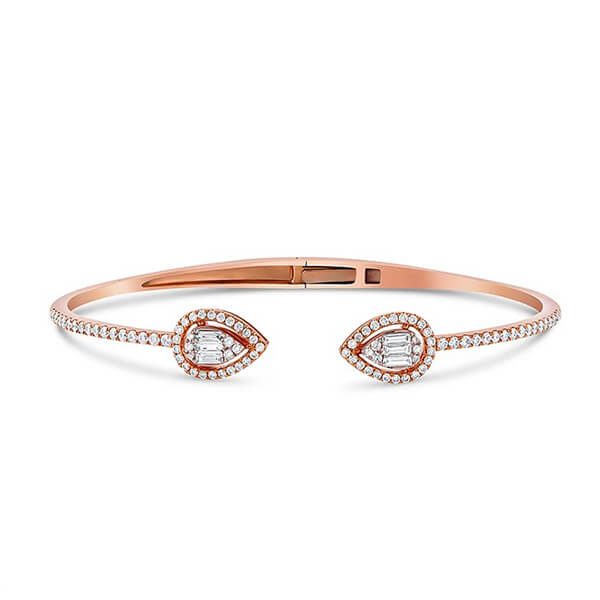
It takes an attentive eye to detail when editing bracelet photos to convey texture and design details. Start by sweeping the background to eliminate any distractions and establish a fresh, even backdrop.

It enhance metals and any gems color and white balance. Emphasize highlights and shadows with some Dodge and Burn (that will give some depth and reflection to the bracelet). Define delicate features like chains, inscriptions or stones with definition.

Heal away dust, scratches, and reflections for impeccably clean scans. Another shortcut: Crop and compose so the eyes see the beauty and handiwork of the bracelet itself.

Body Jewelry Photo Editing

The edit of body jewelry pics needs to be precise in order to emphasize fine details and at the same time keep skin tones looking natural. Begin by cleaning the space behind the jewelry, clearing away any distractions that might draw the viewers’ attention away the jewelry.

Balance color to make metals and glistening stones look true to life while skin tones appear rich and healthy with a natural feel. Apply Dodge and Burn tools to create more highlights and shadows to the jewelry and skin, making them deeper and shinier.

Sharpen the fine details to focus the attention on craftsmanship, without blemishes or unwanted reflections thanks to the healing tools. Last but not least, consider cropping and framing the photo to highlight the beauty and style of the body jewelry.

Finding PBR has been an awesome experience. I have worked with 2-3 companies that offer a similar service. But, They didn’t satisfy me with pricing and turnaround time.

I was pleasantly surprised to see the level of communication and the quality of work that PBR offers.

Angelica H.

eCommerce Business Owner, United States

background removal services, Transparent background photo, Background editing for photos, Photo background extraction, Photo background changer.

Send Sample Photos

Send sample screen shots from your tablet, phone or pc. Please indicate your detailed requirement and which services you are interested in.

We’ll Start Working

If you think our price is right for you, then our pro editor’s team will start editing photo for ecommerce product in 24 hours. We have a quality check team to verify and review the collection of photos prior to editing.

Get The Quote

You will receive a quote or pricing details for your services from our professional photo background change team as soon as we receive your samples. Or, you can ask for a quote beforehand.

Receive Edited Photos

After the editing is done and your photos are fully prepared, we will send you edited photos.

Why Are We Unique From Others - Experience the Difference?

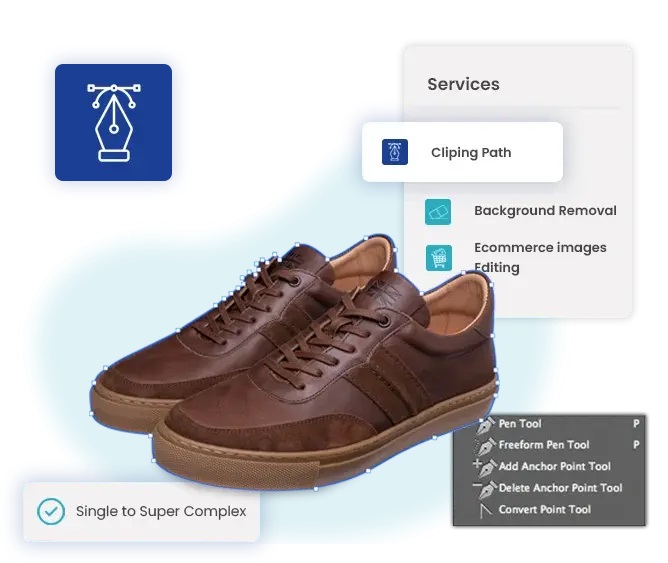
Photo Background Remove (PBR) is committed to delivering exceptional clipping path services that exceed your expectations. Our expert editors are passionate about what they do. And they entirely focus on your photo detail, ensuring outstanding results. Contact Photo Background Remove (PBR) now to learn more about our services. Also, it’s the best time to take advantage of our affordable pricing.

We Offer More Services

We offer extensive photo editing services beyond Clipping Path to cater to our customers’ diverse needs. 

Background Remove

Our experts utilize digital software like Photoshop to add or remove elements from an photo, achieving the desired enhancements.

Photo Retouching

Our experts add or remove elements in an Photo using digital software like Photoshop, resulting in polished and enhanced visuals.

Photo Masking

Our experts utilize digital software like Photoshop to add or remove elements from an Photo, achieving the desired enhancements.

Ghost Manniqueen

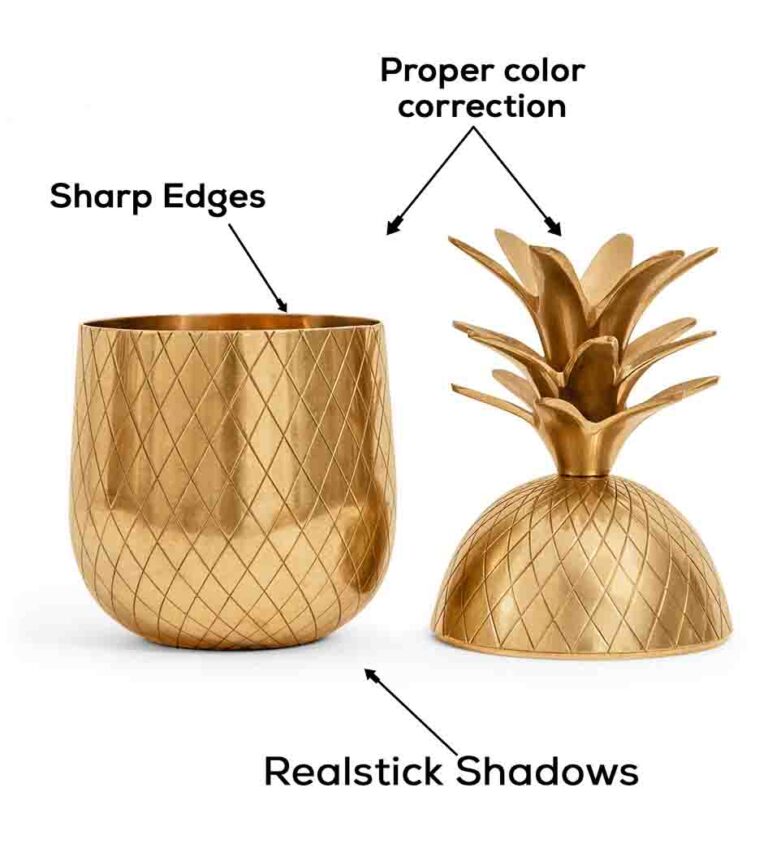
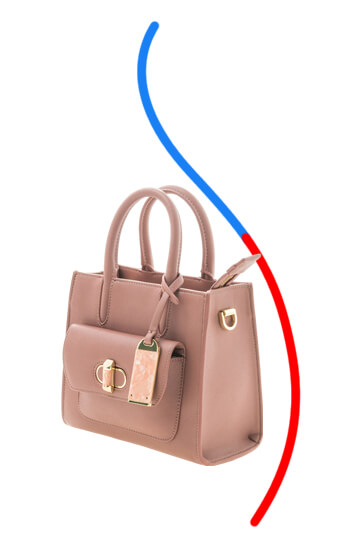
We utilize specialized product photography tools to create shadows for objects, adding depth and realism to your product Photos.

Get 01 photo editing service for free

Get A Free Trial

  Fast, high-quality photo editing
  Receive your edited image within 24 hours
  24/7 customer support you can rely on

FAQs

Everything you need to know about photo background remove services

Not sure where to start? We’ve included some common questions from our clients to help break the ice and guide you through the process with confidence.

Yes—we’re flexible and can adapt to any photo retouching requirements. Just upload your images via Google Drive, WeTransfer, Dropbox, or your preferred file-sharing platform, and send us the link. You can also place your order  here.

Absolutely. We offer unlimited revisions to ensure you’re 100% satisfied with your images—because your happiness is our priority.

Yes, we offer discounts based on order size. The more images you order, the bigger the savings. For a custom quote, contact us at support@photobackgroundremove.com.

Want to see what we can do? Send us one photo for a free trial of any service you’d like. Just fill out the form and upload your image—it’s the perfect way to decide if we’re the right fit for your needs.

We know how important your photo editing needs are—that’s why PBR offers affordable pricing starting at just $0.50 per image, or you can choose a subscription plan. For bulk orders, reach out to our customer service team, or try us out first with a free trial.

100% Safe & Secure — Our RS Platform uses advanced security protocols and privacy protection to keep your images safe and fully under your control during the entire sharing process.

No worries—our system keeps an encrypted backup of your images indefinitely. Your work is safely stored and can be retrieved anytime, risk-free.

About Us

Photo Background Remove (PBR) offers top-quality services that enhance revenue, increase profit margins, reduce operational costs, and save valuable time.